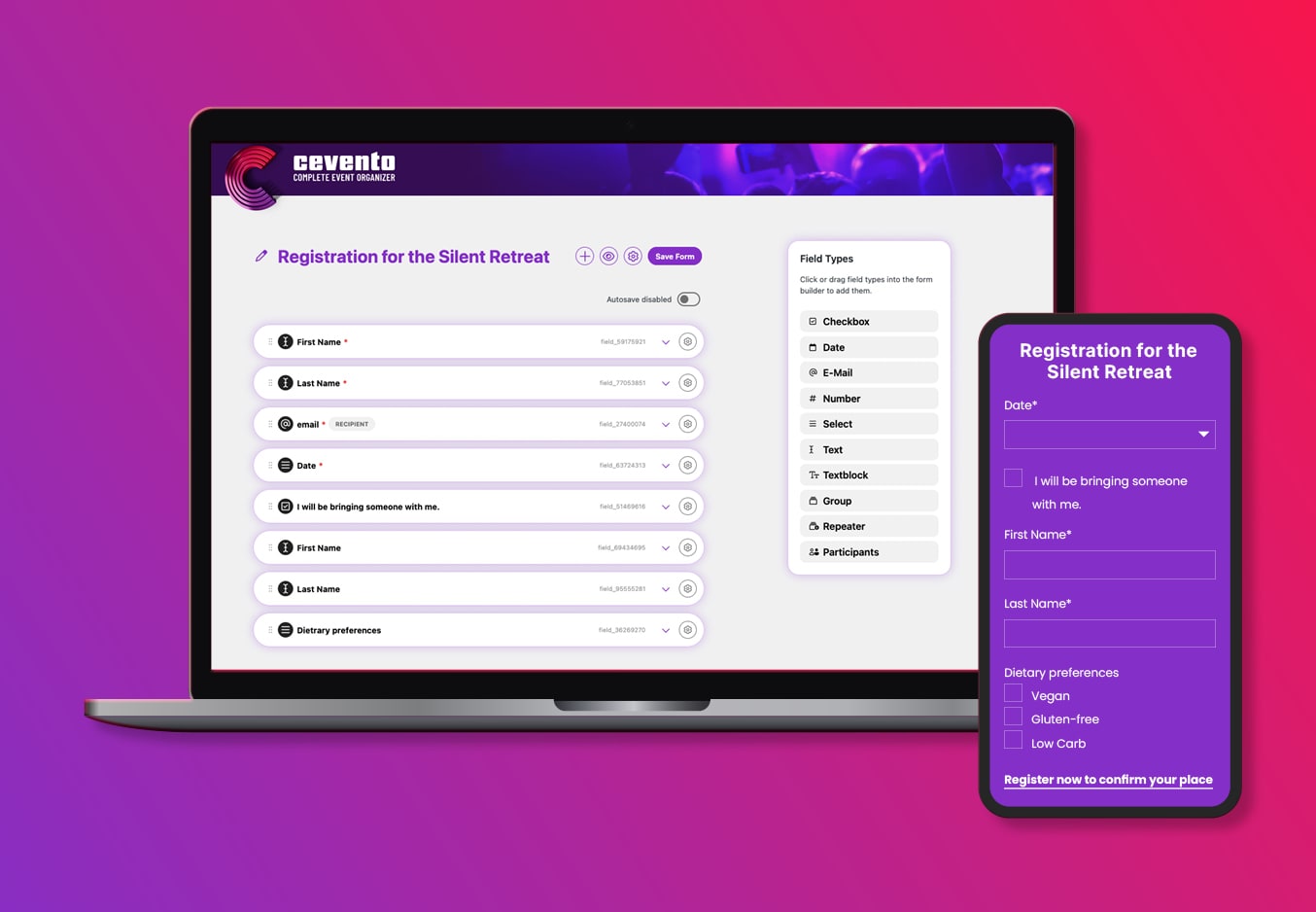
Selling Events with WooCommerce: How It Works with Cevento
You want to offer paid events on your WordPress website – courses, workshops, seminars or events that require registration? And you’re wondering if that’s really possible directly in WordPress, without an external ticketing platform?
Yes, it is. And if you’re already using WooCommerce, you barely need to set up anything new.
With the WordPress plugin Cevento, you manage events directly in WordPress and sell access to them through your existing WooCommerce shop. Registration, payment, order confirmation – all in one seamless process, without system breaks or duplicate data management.
04/02/2026

Why Use WooCommerce for Paid Events?
Many event organizers turn to external platforms – and pay commissions for it, lose control over their customer data, and force their attendees into unfamiliar systems.
Yet WooCommerce already provides everything a functional sales process needs:
- Payment providers of your choice – Stripe, PayPal, Klarna, bank transfer and more
- Legally compliant checkout processes including cancellation policies and terms
- Automatic order confirmations by email
- Discount codes and pricing rules for early birds or groups
- Customer account management – attendees can view their order history
If you’re already using WooCommerce, half the work is already done. Cevento adds exactly what WooCommerce can’t do on its own: event management.
How Does Selling Events with Cevento Actually Work?
Cevento connects event management and WooCommerce into one continuous process. The division of responsibilities is clear:
- Cevento handles: creating events, managing dates, limiting attendee spots, managing registrations
- WooCommerce handles: pricing, payment, order confirmation, invoicing
Step 1: Create Your Event
You create your event in Cevento – with date, time, location, description and maximum number of attendees. Works for one-time events just as well as recurring formats.
Step 2: Set a Price
You decide whether the event is free (with mandatory registration) or paid. For paid events, a WooCommerce product is automatically linked in the background.
Step 3: Registration and Payment
Interested attendees add the event to their cart and complete the registration through the familiar WooCommerce checkout – with the payment method of their choice.
Step 4: Order Confirmation
After payment, attendees automatically receive an order confirmation by email with all relevant information about the event. This runs entirely through WooCommerce – no separate mailing system required.
Step 5: Attendee Management
In the WordPress backend, you can see at any time who has registered, how many spots are still available and what the current booking status looks like – without switching between different tools.
Paid Events in WordPress: What Works Well in Practice
A functional sales process is more than just a payment method. A few things that make a real difference in practice:
Commitment Through Payment
People who register and pay for an event show up. That sounds obvious, but it’s a genuine difference compared to free registrations with high no-show rates. Especially relevant for events with limited spots.
Transparency at Checkout
No hidden costs, clear pricing, straightforward order confirmation. The smoother the process, the higher the trust – and the fewer support requests you’ll receive.
Your Customer Data, Your Process
Unlike external platforms, all registration data stays in your WordPress installation. You retain full control over your attendee list and can use it for follow-up communication – GDPR-compliant, on your own infrastructure.
What Types of Events Is Cevento Suitable For?
Cevento is flexible enough for a wide variety of event types:
- One-time events (talks, concerts, trade shows)
- Recurring formats (weekly courses, monthly workshops)
- Free events with mandatory registration
- Paid events with online payment
The plugin makes particular sense if you already run a WordPress website with WooCommerce and want to integrate events as a natural part of your offering – not as an add-on bolted on the side.
If you need more complex features like seating plans, barcode scanners or a standalone ticketing platform, you should check those requirements upfront. Cevento is deliberately designed as a WordPress plugin – and that’s exactly where its strength lies.
Conclusion: WordPress as a Complete Event Platform
Building your own WordPress event shop doesn’t have to be a big project – if the right tools work together. WooCommerce provides the payment process, Cevento provides the event management. Together they create a seamless workflow that’s easy to manage for organizers and familiar to use for attendees.
External platforms, commissions and duplicate data management stay out of the picture.
If you want to sell events on your WordPress website – and WooCommerce is already running – Cevento is a logical next step.